
Scrape any website with one click.
Open a page, click Easy Scraper, and its lists turn into a spreadsheet you can download. A free browser extension with no signup and no code, and your data never leaves your browser.
Used by more than 100,000 people
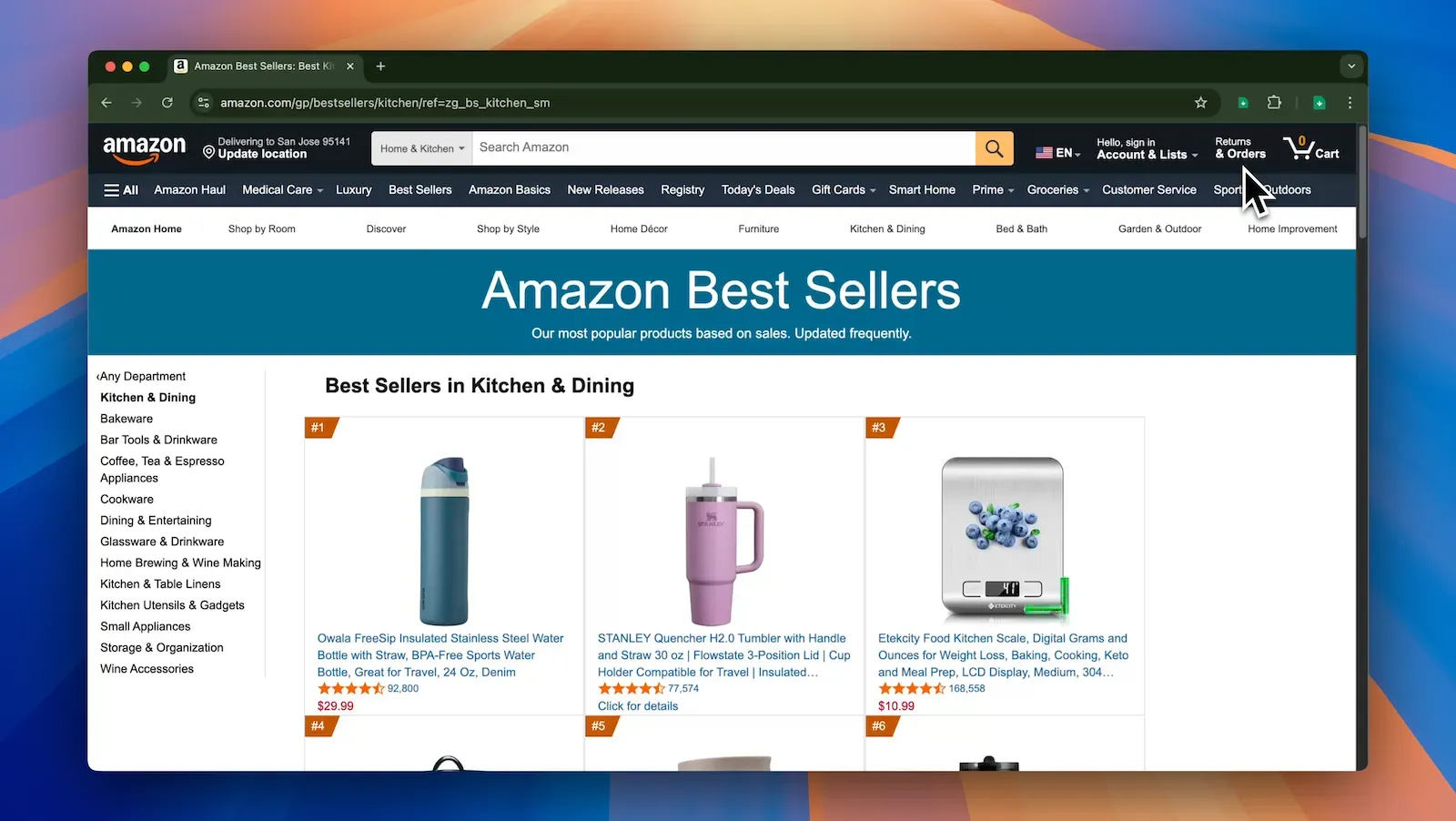
From a web page to a spreadsheet in three steps
Open the page
Any page with a list on it: search results, product grids, directories, feeds, profiles.
Click Easy Scraper
It finds the lists on the page and shows each one as a table. Pick one and drop the columns you don't need.
Download it
Save it as CSV or JSON, or copy it and paste it straight into Google Sheets or Excel.
What you get from the sites you already use
Leads from directories, prices from online stores, places from maps, jobs from job boards. Easy Scraper reads what the page shows, so if you can see it, you can download it.
| product | price | rating | reviews | link | |
|---|---|---|---|---|---|
| 1 | Insulated water bottle, 24 oz | $29.99 | 4.7 | 61,204 | …/dp/B0C1XQ |
| 2 | Digital kitchen scale | $12.49 | 4.6 | 38,950 | …/dp/B07PQ4 |
| 3 | Silicone baking mats, set of 2 | $9.98 | 4.8 | 27,113 | …/dp/B0B6ZK |
| 4 | Cast iron skillet, 10 in | $24.90 | 4.7 | 92,480 | …/dp/B00006 |
| 5 | Reusable food storage bags | $15.99 | 4.5 | 19,762 | …/dp/B08JHL |
Example rows, made up to show what you'd get. You choose which columns to keep.
Two ways to scrape
Lists
Easy Scraper finds the repeating items on a page, like products, search results or listings, and puts one in each row. It keeps going through the next pages for you.
- Finds the lists on a page by itself
- Scrolls, clicks “Next” or “Load more” to get every page
- Takes text, links and image URLs
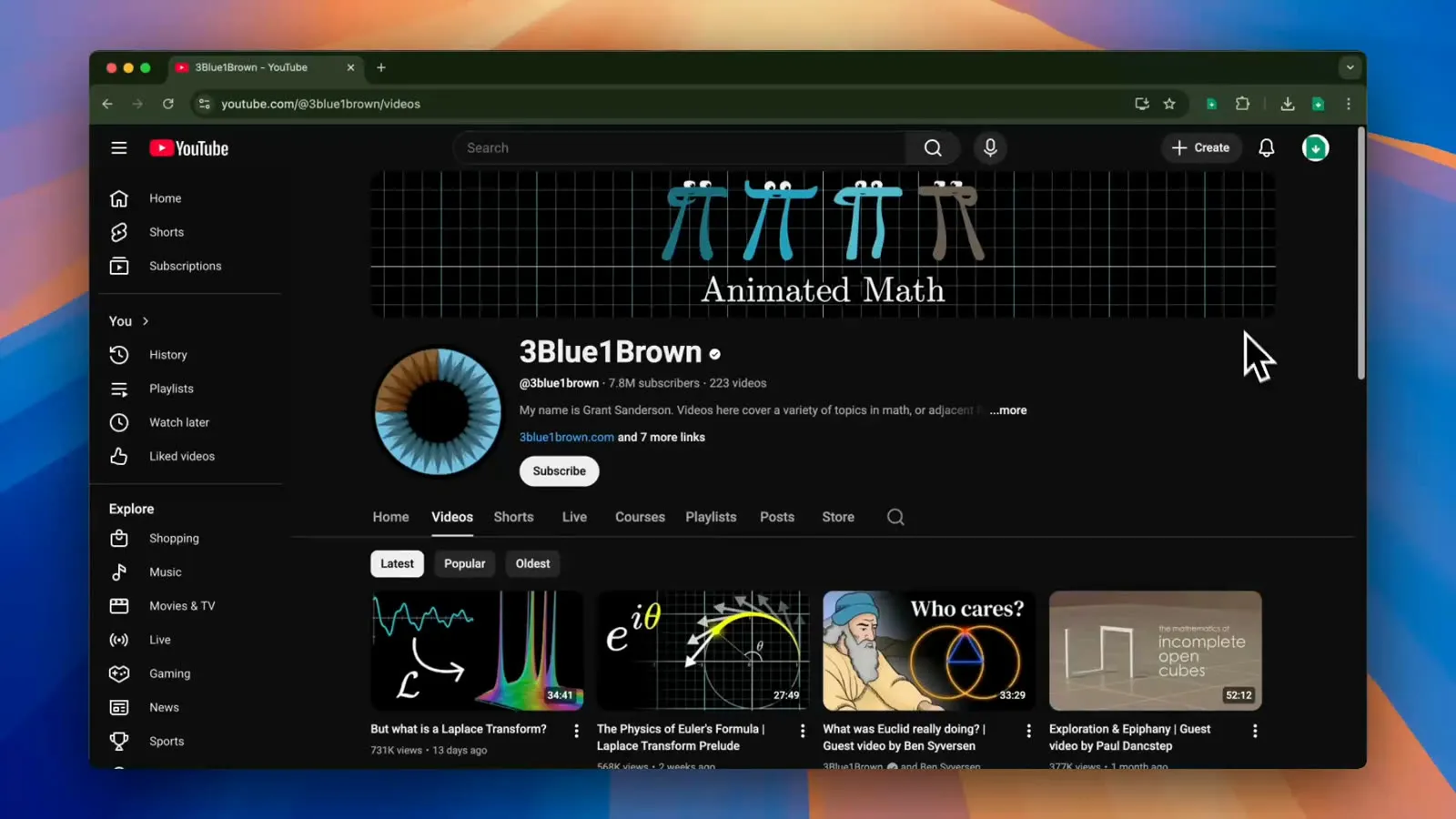
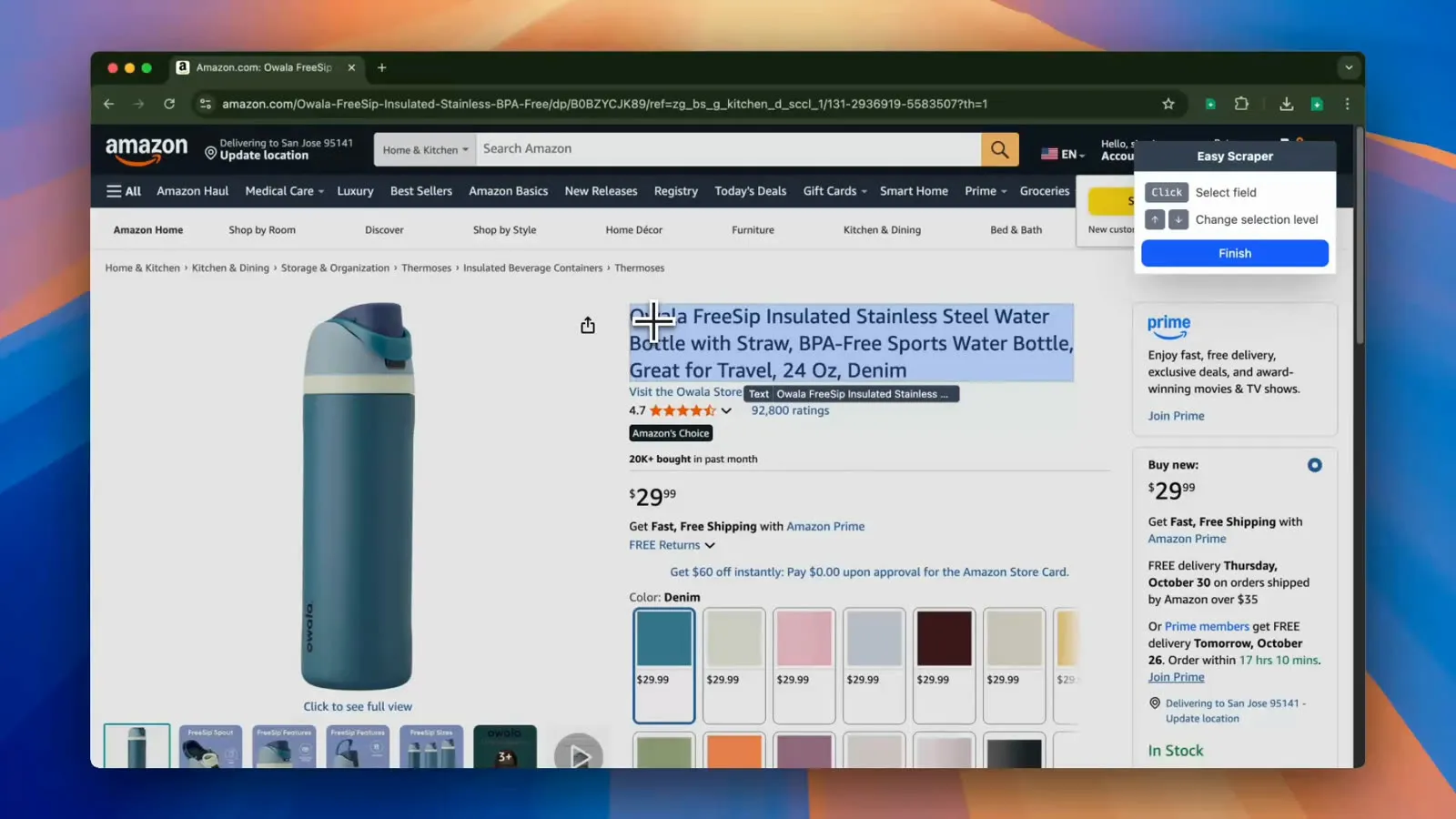
Page details
Click the parts of a page you want, such as a product's price or a profile's email, and Easy Scraper takes the same parts from every page in a list of URLs.
- Point and click to choose what to take
- Works through the whole list of URLs for you
- Saves what you chose to use again
Your data never leaves your browser.
Easy Scraper runs on your computer, in the pages you already have open. What you scrape is saved on your device and never sent to our servers, so nobody else sees what you collect. It also means it works on pages you're signed in to.
- Free to start
- Scrape pages for free, with no credit card.
- No account needed
- Install it and start scraping right away.
- In the browser you have
- Chrome, Edge, Brave, Opera, Vivaldi and other Chromium browsers.
What people say about it
Rated 5.0 on the Chrome Web Store“It's the only scraper that worked on pages with pop-ups and multiple scrolls (3000+ entries). I tried actual parsing / extraction software and they couldn't handle it. Easy Scraper did. 5 stars all the way.”
 Corina-Bianca Gonteanu
“I absolutely love Easy Scraper! It's been a total game-changer for my business. I don't have to hire a team or learn any complicated software, which saves me time, money, and stress. It's perfect for solo entrepreneurs or small teams.”
 Ashley Bolden
“Really surprised by how good Easy Scraper is. It does exactly what it claims to do and it works better than many of the other paid-for products I've tried. It's simple, fast and works fine scraping thousands of lines of data.”
 Gordon Plant
“Fantastic, user friendly and unbelievably intuitive. The learning curve is literally 3 minutes and you'll be flying. Get ready to save hours of time!”
 David Evans
“I don't normally go out of my way to write a 5 star review, but in this case it's necessary. I've tested MANY scrapers and most are not that great and aren't able to scrape what I need. This one is a different story. I love it.”
 Gregory Smitherman
“An absolutely brilliant tool! Head and shoulders above the rest of the other scraping solutions. If you want intelligent and efficient data scraping, don't waste your time trying anything else. Just go straight to Easy Scraper!”
 Bradley
Questions
More answers are in the FAQ in the docs.
- Is Easy Scraper free?
- Yes. You can scrape pages for free, without an account or a credit card.
- Is my data private?
- Yes. Scraping happens in your browser, and what you scrape is saved only on your device. It's never sent to Easy Scraper's servers.
- Do I need to know how to code?
- No. You click the data you want on the page, and Easy Scraper does the rest.
- Can it scrape more than one page?
- Yes. It scrolls pages with infinite scroll and clicks “Next” or “Load more” buttons to get every page of a list. To take details from many pages, give it a list of URLs.
- What can it take from a page?
- Any text you can see, the links' URLs and the images' URLs. You download them as CSV or JSON, or copy them into a spreadsheet.
- Which browsers does it work in?
- Google Chrome, Microsoft Edge, Brave, Opera, Vivaldi and other Chromium browsers. It doesn't work in Firefox or Safari.
Turn the page you're on into a spreadsheet.
People download more than 50 million rows a month with Easy Scraper. It's free to start, and you don't need an account.